Talk to sales +1-555-0187[email protected]
§1 ProductSix parts / Sample data
Start with reviews and add sign-in when you are ready. Every part reads the same list of accounts, so a change in one place shows everywhere.

§2 How the record worksSame for all six
Every step leaves a record. If you want to know why an account exists, it is written down.
Link your directory, your HR system and your apps.
Follow every group, role and service account to the app.
Give each account an owner who can judge it.
Owners keep or remove, with the last use beside each row.
Close the review and the evidence is ready for your auditor.
§3 Where most customers startPart 1 of 6
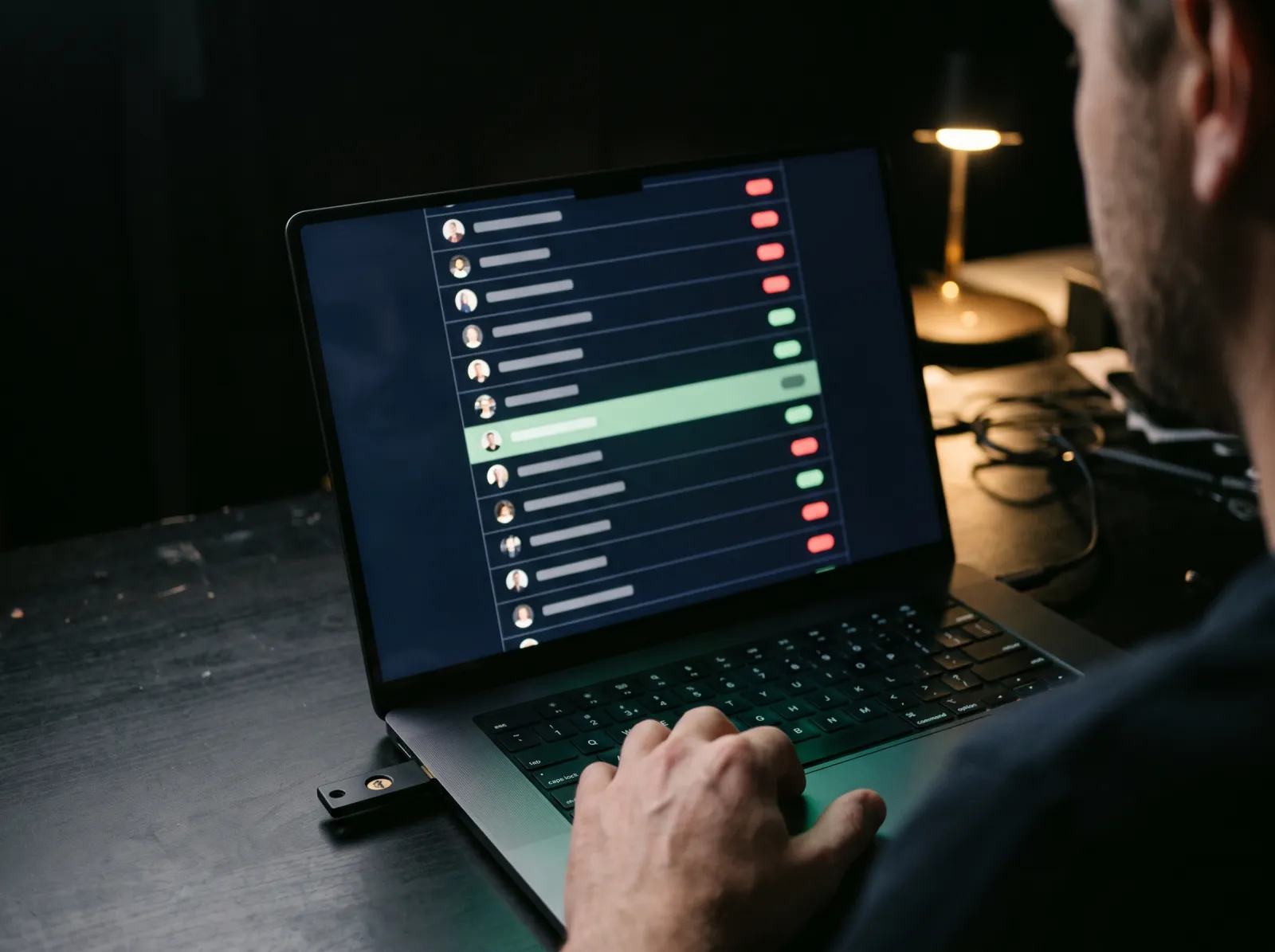
Keep | Accounts kept | 1,096 |
Remove | Accounts removed | 142 |
Waiting | Owner not done | 46 |
CoversStaff, contractors and service accounts, app by app
Decided byThe owner who can judge each row, never a shared inbox
Ends withA signed review and an evidence pack
On plansReview, Access and Complete
§4 The other fiveParts 2 to 6
Nothing here needs a big launch day. Each part switches on over the same record.
Everyone who can reach an app, and how. Follow any group, role or service account down to the permission that matters.
ShowsEvery path to an app
On plansReview and up
Close a review and the pack is ready: who had access, who decided, and when access ended.
Comes back asA pack for your auditor
On plansReview and up
Single sign-on, passkeys and hardware keys, bound to the real site.
StandardsFIDO2, SAML 2.0
On plansAccess and up
Access follows the HR record, from the first day to the last.
StandardSCIM 2.0
On plansAccess and up
Nobody holds standing admin. People ask, an owner approves, and access ends on time.
Sample1 hour, then gone
On plansComplete
§5 StandardsWorks with what you own
If your app speaks one of these, it can join the record.
Standard | Used for |
SAML 2.0 | Single sign-on to your business apps |
OpenID Connect | Single sign-on to newer apps |
SCIM 2.0 | Opening and closing accounts from the HR record |
FIDO2, WebAuthn | Hardware keys and passkeys, bound to the real site |
§6 Next step45 minute demo
We connect your directory and one app, then walk through the result with you. It takes about 45 minutes.