
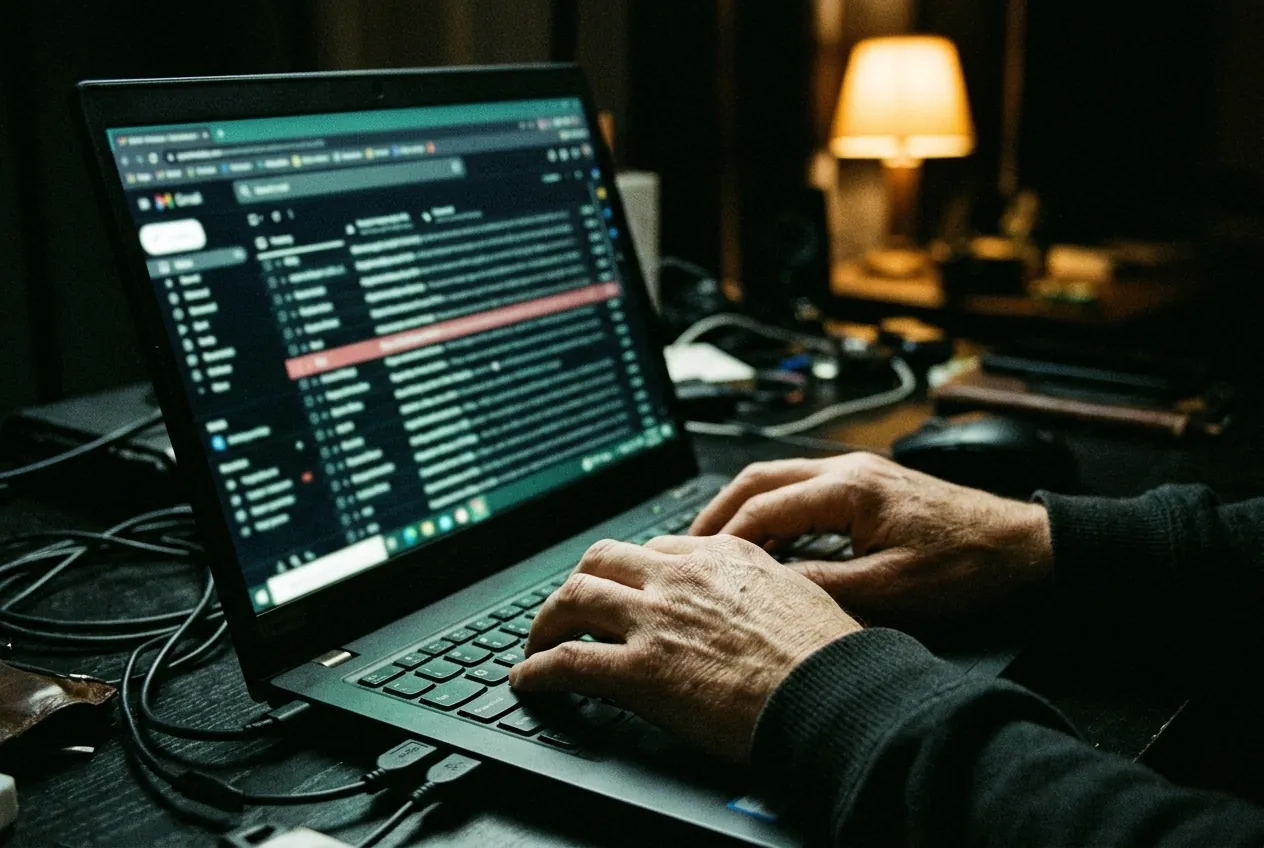
A single mailbox rule can sit unnoticed for weeks. It sends a copy of every message with the word “invoice” to an outside address, and nobody on the team sees a thing.
The rule is rarely the first problem. Someone has already signed in to the mailbox, often with a stolen session, and the rule is how they stay informed after that session ends. They do not need to come back. The mail comes to them.
How to list them
Most mail platforms can export every inbox rule in the tenant. Run the export monthly and read it, because a rule that forwards outside the company is never background noise.
- Rules that forward to an address outside your domain.
- Rules that move mail to a folder nobody opens.
- Rules that mark mail as read straight away.
- Rules created outside office hours.
One rule, nine days, and nobody saw a thing.
What a bad one looks like
Attackers name rules with a single dot or a few letters, so they sort to the top and look like a mistake. They filter on words such as invoice, payment, bank and payroll. Then they delete the copy from the sent folder, so a reply from a supplier is the first sign anything is wrong.
In a sample law firm report, one rule ran for nine days on a partner’s mailbox before a new detection caught it. Containment took 18 minutes. Working out what had already left took the rest of the evening.
What to change
Three settings stop most of this, and none of them needs a new product.
- Block automatic forwarding to outside addresses, and allow exceptions by name.
- Raise an alert when any new mailbox rule is created.
- Review the export every month, and give that job to one named person.
If you find a rule you cannot explain, do not just delete it. Note what it matched and where it sent mail, revoke the user’s sessions, and only then remove it. You will need those details to work out who has to be told.