Multi-factor sign-in protects the login. It does nothing for the session that login creates. If someone copies that session, they arrive already signed in.
We see this most often in mailboxes. A staff member follows a link to a page that looks like their sign-in screen. They enter their password and approve the prompt, and the page passes both to the real service while keeping the session token it gets back.
Nothing has failed from the user’s side. They signed in, they saw their inbox, and they went back to work. MFA did its job. The token is now on someone else’s machine, and it stays valid until it expires or is revoked.
What it looks like in the logs
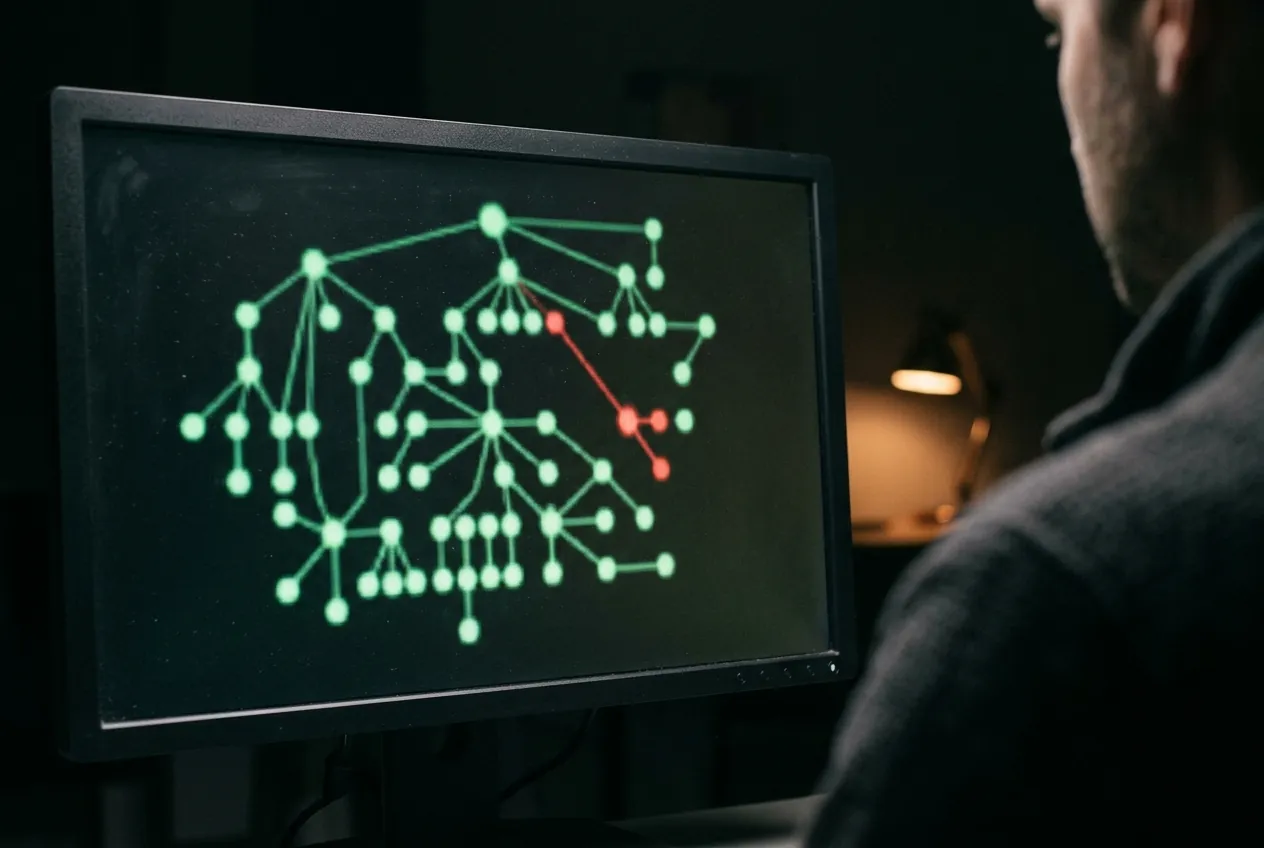
The sign-in itself looks normal. The clue comes a few minutes later, when the same session shows up somewhere else. These are the four signs we check first:
- One session ID seen from two networks inside ten minutes.
- A new device or browser on a session that did not start with a sign-in.
- A mailbox rule created in the first hour of the session.
- Mail read in bulk at a pace no person keeps up.
The login was clean. The session was not. Watch both.
A query to start from
Most log tools can answer the first question on that list. Here it is as pseudocode, so you can adapt it to yours. Expect a few false alarms from people moving between office and phone networks.
# One session, two networks, ten minutes
signins
| where result == "success"
| group by session_id
| where count_distinct(network) > 1
| where max(time) - min(time) < 10m
| show user, session_id, network, time
Pseudocode, not tied to one product. Sample only.
What to do this month
You do not need a new product for most of this. Three changes cover the common cases, and your identity provider probably already has the settings.
- Move finance and admin staff to hardware keys, which will not sign in to a lookalike page.
- Shorten session lifetimes for admin roles.
- Make sure someone can revoke sessions at 2 a.m., and has practised it. Changing a password alone may not end a live session.
If you find a session you cannot explain, revoke it first and ask questions second. A signed-out user is a small problem. You can always apologise in the morning.