
Course Bulletin No. 41, winter term 2026Security training and awarenessEnrolment +1-555-0187
§1 Winter term, enrolling now

Practice the bad day on a quiet one.

Instructor at a wall display pointing to one route on an attack diagram while three professionals follow on laptops with dark terminals
On the wall: walking the attack path

Hands-on labs for technical teams, phishing drills for everyone else, tabletop exercises for the people who make the calls. Taught by working responders.
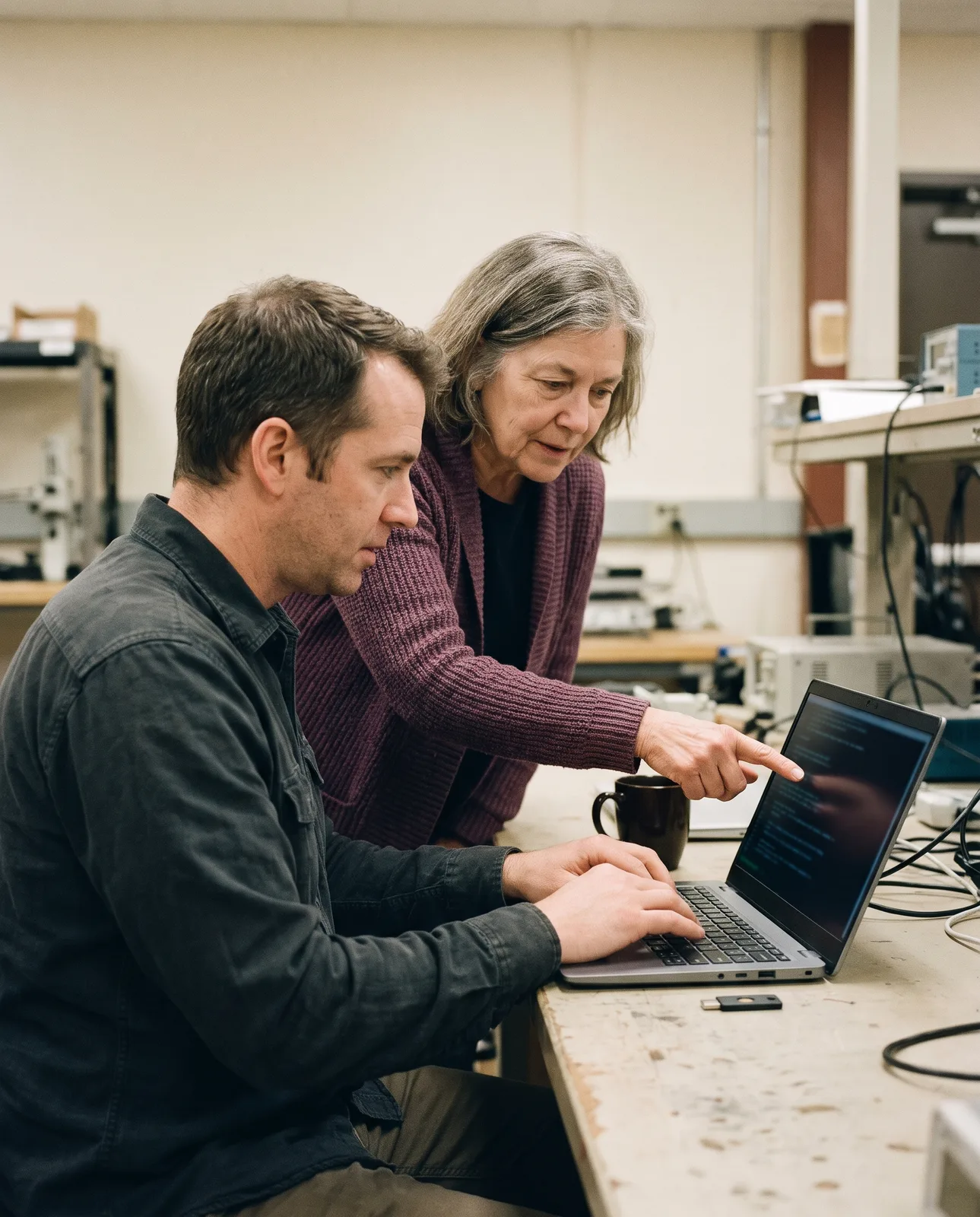
Instructor leaning in beside a learner at a laptop with a dark terminal in a training lab
On the keys
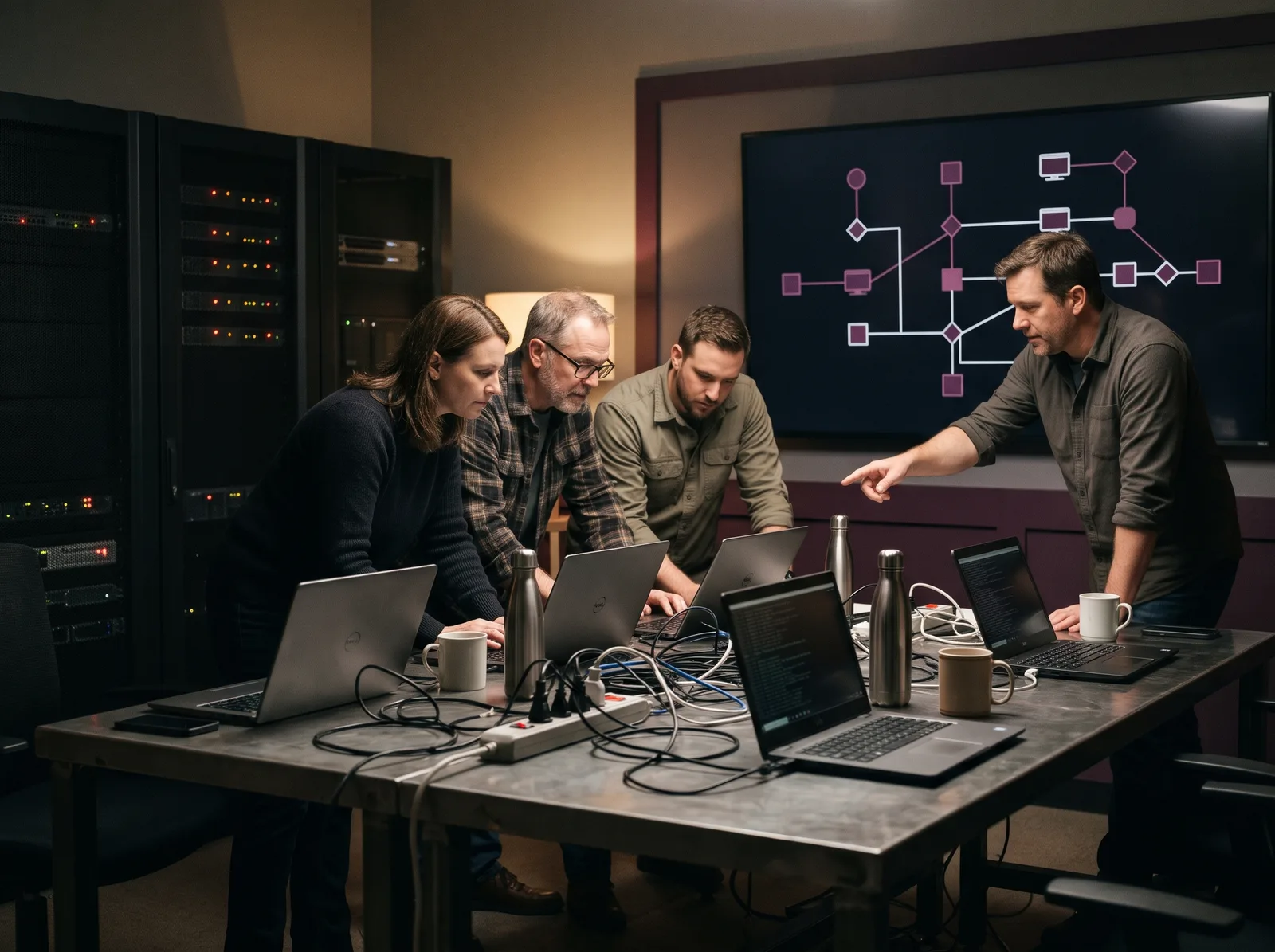
Four staff at a steel bench running an incident exercise, one pointing at an attack path on the wall display
At the table
§2 Phishing drills for staff

Five tells in one ordinary email.

We send drills that look like your own mail. Nobody is named to their manager. A click gets thirty seconds of teaching on the spot, and a report gets a thank-you.

1

The sender is one word off

It looks like your domain until you read to the end.

2

The subject wants action

Real service notices rarely need you this minute.

3

It does not know your name

Your own IT system would.

4

A deadline stops you asking

Two hours is short enough that you skip the phone call.

5

It asks for your password

No help desk needs it. Press report and carry on.

Drill 3, template 12
Demo sample, not a live message
From
IT Service Desk, helpdesk@domain withheld-support.example
1
To
All staff
 
Subject
Action needed: your mailbox is 98% full
2
Hi there,
3
Your mailbox will stop receiving mail in 2 hours.
4
Confirm your password to keep your messages: link withheld
5
Thanks,
IT Service Desk
If clicked: a 30-second lesson
If reported: a thank-you
§3 Three drills later
61%

reported it to the service desk.

The number we watch is reports, not clicks. A report gives your team a head start.

Drill 1

Reported 9%Clicked 31%

Drill 2

Reported 38%Clicked 14%

Drill 3

Reported 61%Clicked 6%

Sample data for this demo: 240 staff, three drills over six months.
§4 Courses

From the front desk to the on-call lead.

Six courses, each one written around work your people already do. Taken at our lab or run at your office.

WL-⁠101

Mail, passwords, phones, and who to call when something looks wrong. Short enough that people finish it.


All staff · 45 minutes · Online or in the room
Instructor walking a colleague through log lines on a laptop with a dark terminal
One instructor to every eight seats
Two analysts working through an attack graph on dark monitors with a test laptop on the desk
WL-⁠210

From the first alert to a written timeline, on a live range.

IT and SOC teams · 3 days · Lab
WL-⁠120

Who decides, who speaks, and what to ask your team first.

Executives and managers · Half day
WL-⁠220

Find one stolen account in 90 days of records.

Analysts · 2 days · Lab
WL-⁠310

Roles, tokens and the audit trail they leave behind.
Cloud admins · 2 days · Lab
WL-⁠320

Break your own sample app, then fix it in review.

Developers · 2 days · Lab
§5 Hands-on labs

Your hands, our range.

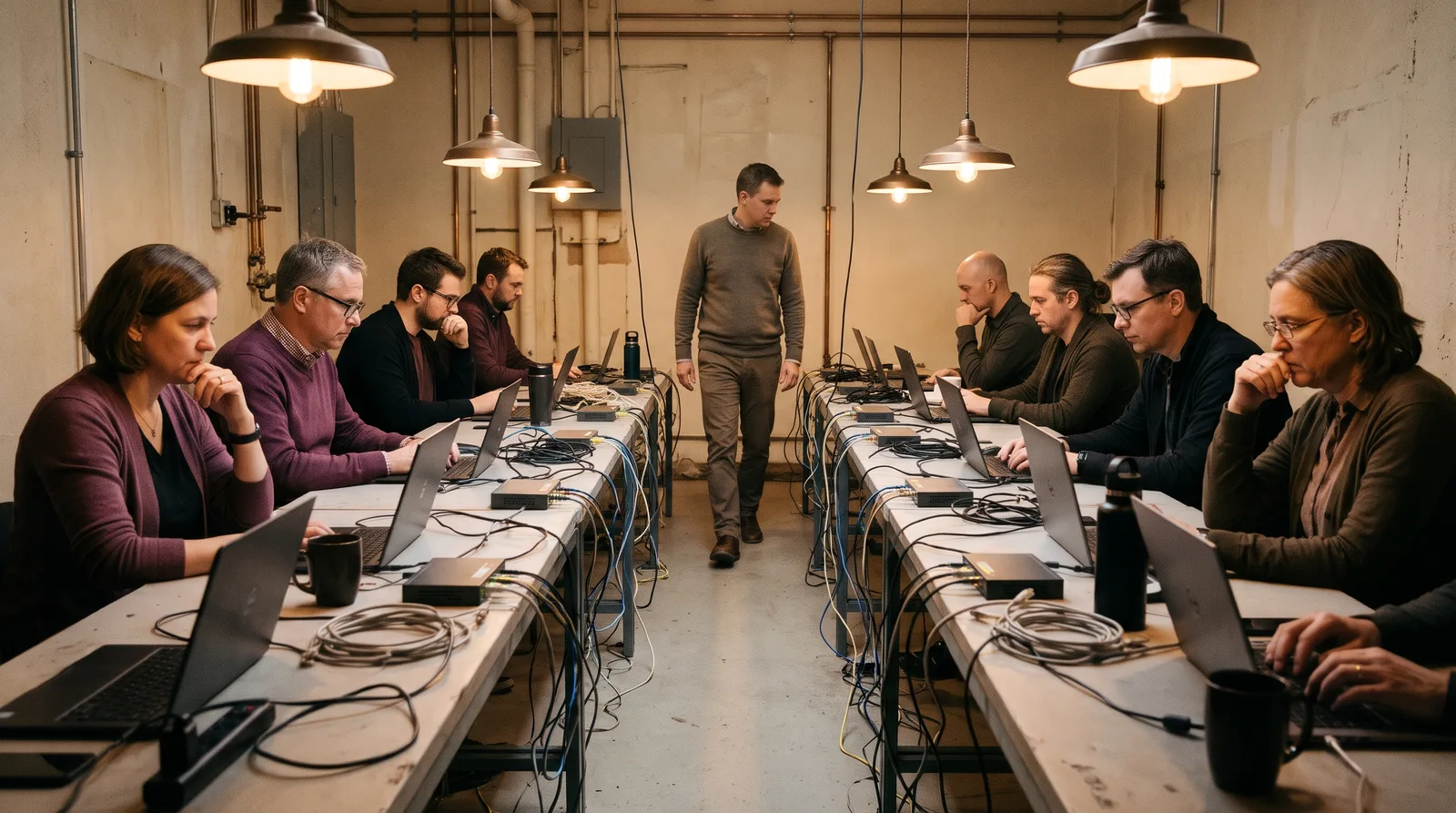
Learners at two long benches, every laptop on a dark terminal, an instructor walking between them in a cyber range lab
70%

of each lab day on the keyboard

8

seats to one instructor

30 days

of range access after the course

Lab sheet 14
Demo sample

The stale account

Course

WL-⁠210, day 2

Range

14 hosts, one domain

You start with

One login alert

You find

The way in and answer withheld more hosts

You contain

Without losing the evidence

You hand in

A written timeline

§6 Tabletop exercises

Two hours, one script, your real plan.

Our facilitator reads the injects. Your team makes the calls, out loud, with the people who would make them on the day.
Facilitator, inject 1
The service desk has six locked accounts and one branch asking why.
IT lead
Can we cut that branch off the VPN without stopping payroll?
Facilitator, inject 3
A reporter from outlet withheld emails your press inbox.
General counsel
Who answers, and what are we sure of so far?
Facilitator, inject 5
Your insurer wants a timeline by noon. Who owns it?
Sample script for this demo. Yours is written around your plan and your sector.
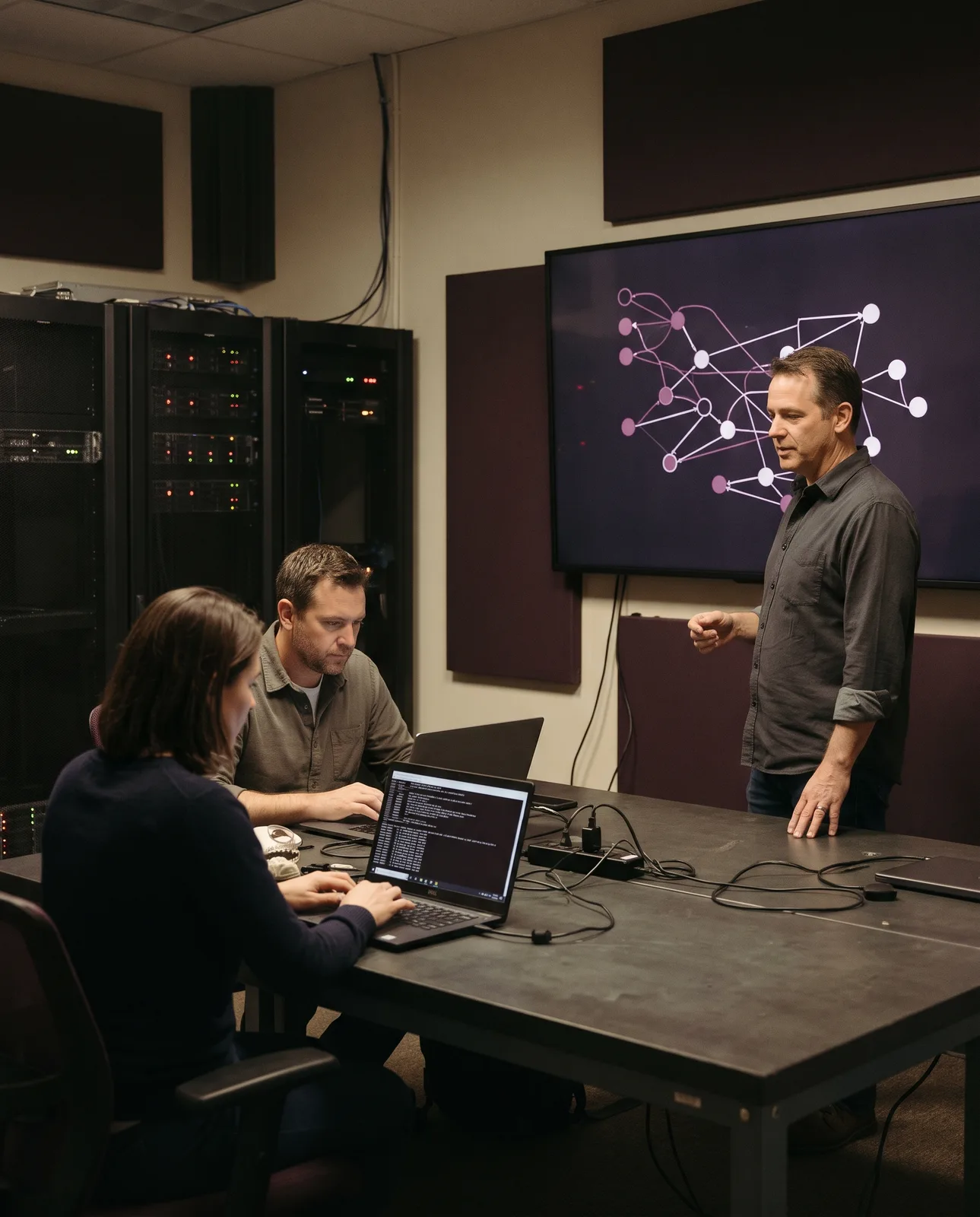
Facilitator at a wall display during an incident drill while two people work the steps on laptops
You leave with
A list of gaps in the plan, an owner for each, and a date to test it again.
§7 Course calendar

Winter term, in one table.

Filled cells have open seats. Outlined cells are full, so ask for the waiting list. Private dates for your own team are on request.

Course
Format
Nov
Dec
Jan
Feb
Mar
Per seat
Lab, 3 days
Nov
Full
Jan
18–20
Mar
8–10
$2,400
WL-⁠220
Lab, 2 days
Dec
7–8
Feb
8–9
$1,600
Lab, 2 days
Dec
Full
Feb
22–23
$1,600
WL-⁠320
Lab, 2 days
Jan
25–26
Mar
15–16
$1,600
Half day
Nov
24
Jan
12
Mar
2
$480
Half day
Dec
3
Feb
4
$340
Sample dates and prices for this demo.

Every course leaves a completion record per person, useful when an auditor asks about ISO/IEC 27001 Annex A 6.3, PCI DSS 12.6 or the HIPAA training standard at 164.308(a)⁠(5).

§8 Instructors

"If you are still watching slides at eleven, I have taught it wrong."

Owen Hartley, lead instructor. Sample quote for this demo.

Everyone who teaches here still works cases. When a lab goes off script, the person beside you has seen it happen on a real network.

Lead instructor standing beside an attack diagram on a dark wall display in a training lab, laptops on the bench behind him

Teaches WL-⁠210, WL-⁠120
GCIH, CISSP

Teaches WL-⁠220
GCFA, GCFE

Teaches WL-⁠310, WL-⁠320
OSCP, CISSP

Runs drills and tabletops
CISM

Sample team for this demo.
§9 Enrol

One seat, or the whole room.

Tell us who needs training and we will suggest where to start. You get a plan and a quote within two working days.

Enrolment
Email
Training lab

62 Foundry Lane, Floor 3, Eastbrook, WA 98000-0000

Instructor at a wall display explaining a network diagram to a colleague at a laptop with a dark terminal
Enrolment request
Goes to the course desk