
Want a date held while you read? Call the course desk on +1-555-0187. The person who answers runs the calendar.
Send an enrolment request from the Contact page or call the course desk. The seat is yours once we confirm it by email.
Per seat: WL-120 $480, WL-210 $2,400, WL-220, WL-310 and WL-320 $1,600 each, TX-01 $340. Dates and prices are on the Calendar. Sample prices for this demo.
Ask for the waiting list. Seats often open in the last week, and we call in the order people asked.
Yes, up to the day before the course, by email to the course desk. Sample term.
Yes, for organisations. The invoice goes out when the seat is confirmed. Sample term.
What people ask before their first lab day, in the order they ask it.
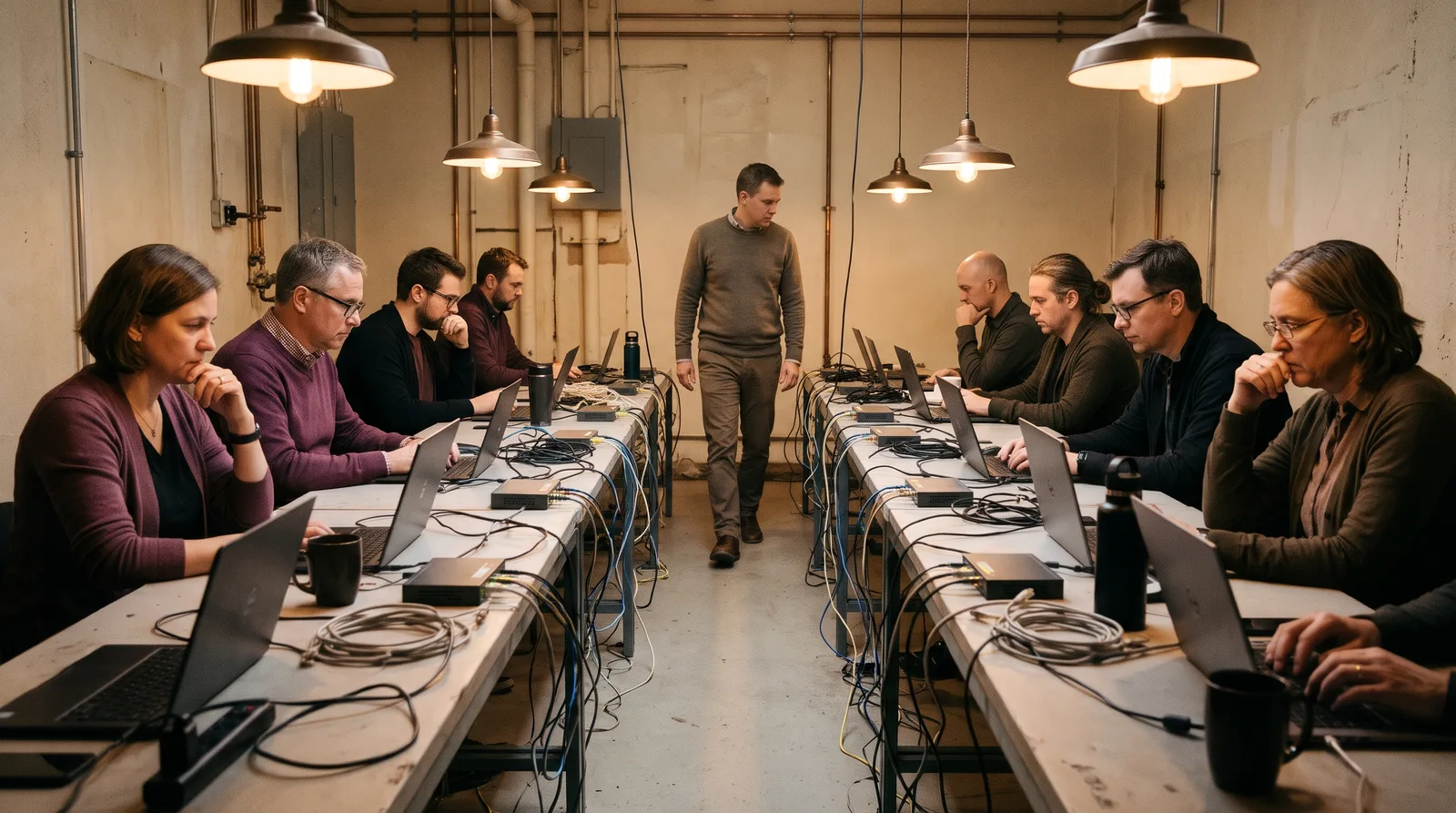
No. Every seat has a lab laptop on the range. Remote seats get a browser login to the same range.
About 70% of each lab day is on the keyboard. The rest is a short briefing in the morning and a debrief at the end.
Eight seats to one instructor, so someone can always see your screen when a lab goes off script.
The range stays open to you for 30 days, with the lab sheets, so you can run each exercise again at your own pace. How a lab day runs.
These are the questions staff reps and HR ask before the first drill goes out.
Drills | Three over six months |
After a click | A 30-second lesson |
After a report | A thank-you |
Results | By team, never by name |
Not by name. Results go out by team and by drill, so nobody is singled out to a manager. The per-person record is kept only as long as the programme needs it.
They see one page: the message, the tell marked on it, and where the report button is. It takes about thirty seconds.
Yes. Templates are agreed with your IT team in week 1, and the second drill is matched to your own service notices.
Watch the report rate. In our sample programme of 240 staff it went from 9% to 61% over three drills. Read the programme.
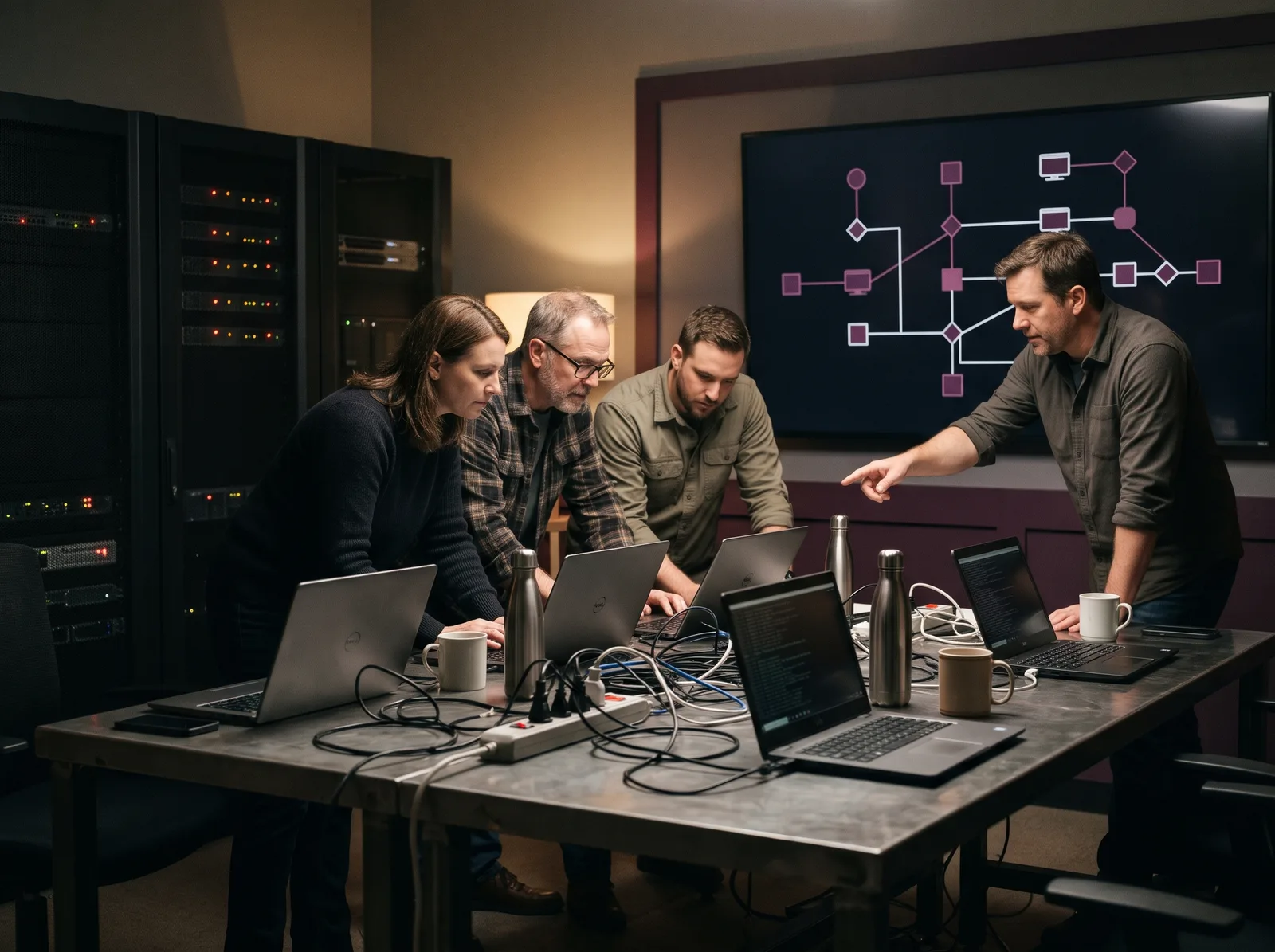
A completion record per person: the name, the course, the date and the outline behind it. Auditors ask for it under ISO/IEC 27001 Annex A 6.3, PCI DSS 12.6 and the HIPAA training standard at 164.308(a)(5).
Completion records for 6 years, drill results by team for 3 years. The full list is on Trust. Sample periods, and the contract can shorten any of them.
No exam. You hand in the work, the instructor reads it, and your completion record is signed.
Yes. Ask for a course outline and read what each day covers before you book.