
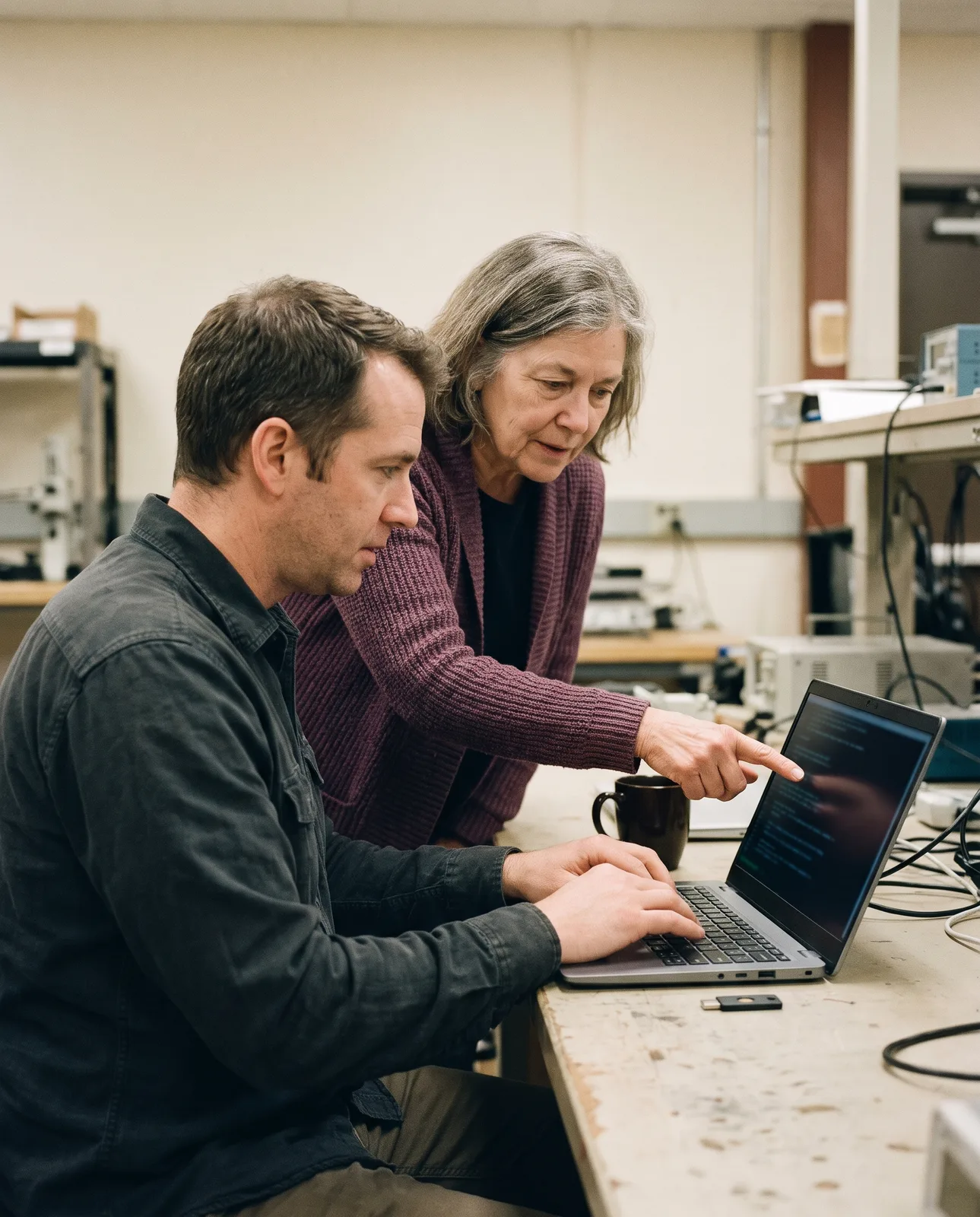
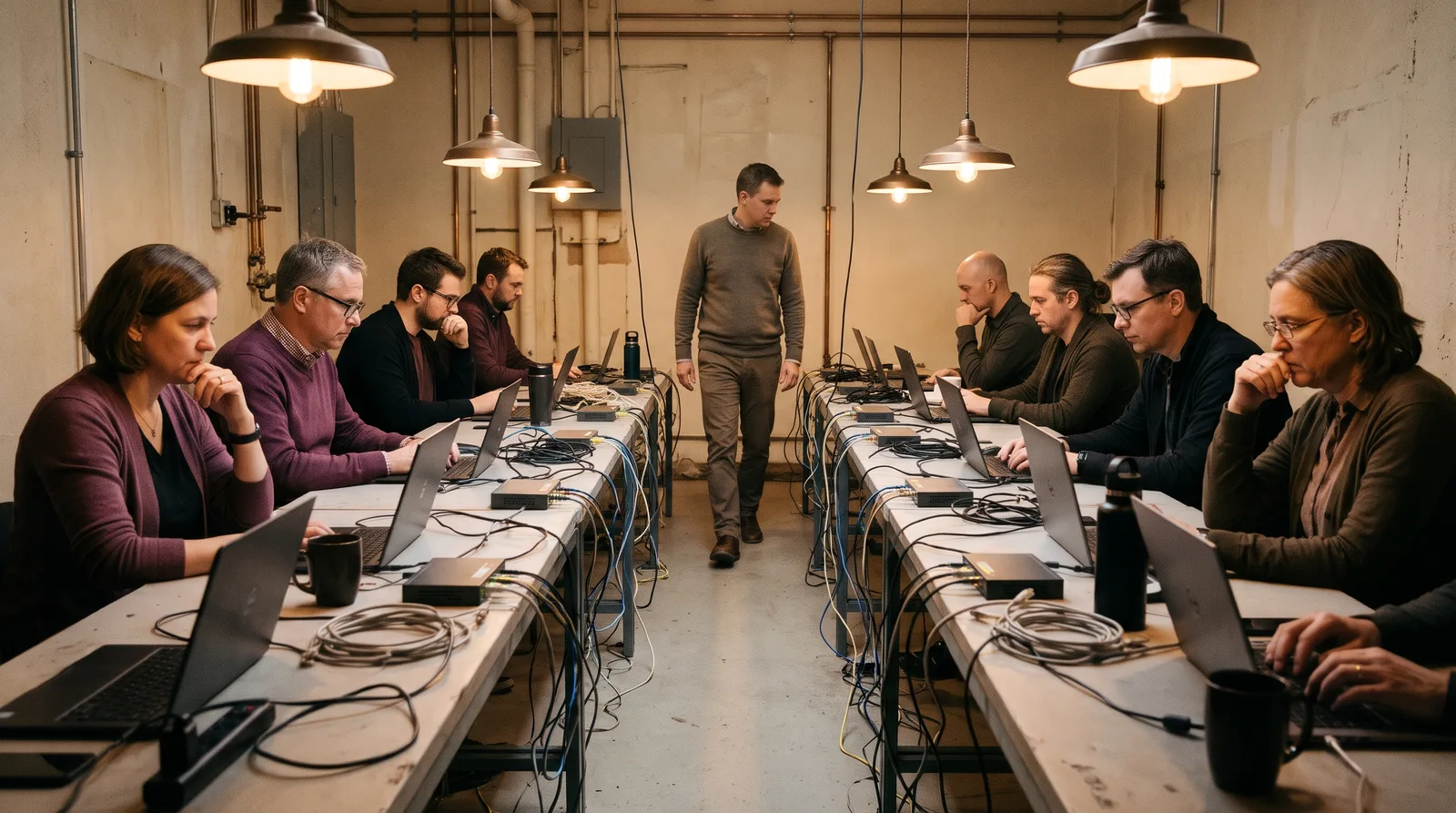
Every lab runs on a live range of hosts we break before you arrive. You work the keyboard for most of the day, and the instructor is never more than eight seats away.
Hosts | 14, one domain |
Seats | 8 to one instructor |
On the keyboard | 70% of each day |
Range after | 30 days |
You hand in | A written timeline |
Each morning opens with a short briefing and a lab sheet. Then the range is yours: the hosts, the logs and the mistakes someone made before you arrived.
When you are stuck, the instructor does not give the answer. They ask what you would check next, and who you would tell. The day ends with a debrief at the bench.
Who it suits
IT, SOC, cloud and development staff who will be at the keyboard on the day.
Who it does not
Managers who make the calls. WL-120 is written for you.
Your own hosts on a live network, not a video of someone else's.
Fourteen hosts and one domain on WL-210, set up with the mistakes real networks have.
Close enough to lean in, far enough to let you try first.
Each exercise on paper: what you start with and what you hand in.
Run every lab sheet again from your desk, at your own pace.
A timeline, a set of searches or a fixed app, read and signed by the instructor.
Kept on file for your auditor, with dates and the course outline.
Prices are per seat. Dates for each lab are on the course calendar, and a private lab for your own team is quoted within two working days.
Lab | Days | The range | Per seat |
WL-210 Incident handling | 3 | 14 hosts, one domain | $2,400 |
WL-220 Reading logs | 2 | 90 days of sign-in records | $1,600 |
WL-310 Cloud identity | 2 | A sample tenant, broken on purpose | $1,600 |
WL-320 Secure code | 2 | A sample app with real flaws | $1,600 |
Lab sheet | Course | You start with | You hand in |
14 The stale account | WL-210, day 2 | One login alert | A written timeline |
The quiet sign-in | WL-220, day 1 | One user's records | The stolen account, and how |
The wide role | WL-310, day 1 | One cloud admin role | What it could reach |
The trusted input | WL-320, day 2 | One failing test | A fix, reviewed |
No. Every seat has a lab laptop on the range. Remote seats get a browser login to the same range.
Yes, for up to eight people per instructor, at our lab or at your office. You get a plan and a quote within two working days.
Thirty days on the same range, with the lab sheets, so you can run each exercise again at your own pace.
No exam. You hand in the work, the instructor reads it, and your completion record is signed.
Outlined dates on the calendar are full. Ask for the waiting list: seats often open in the last week.
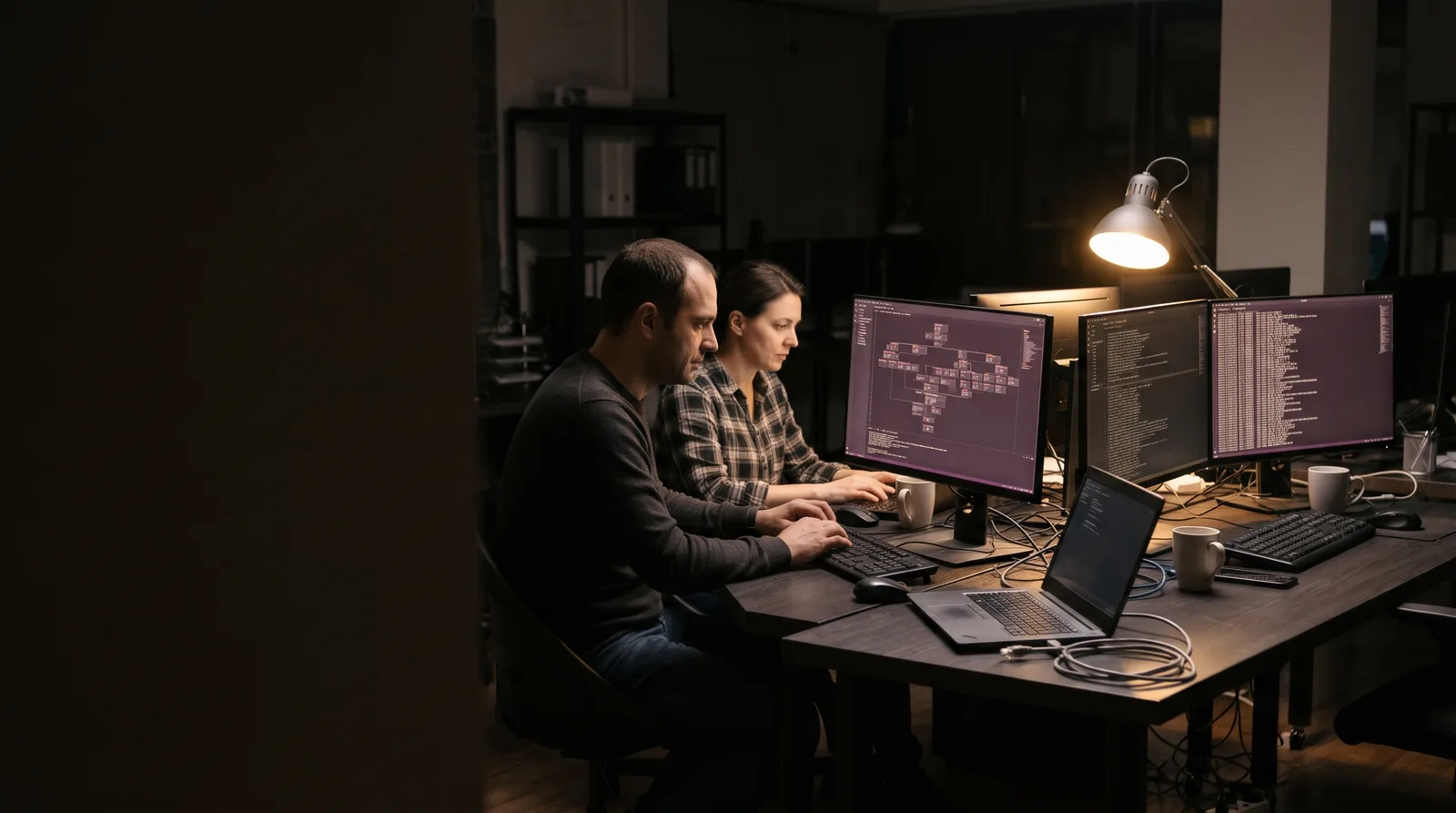
12 analysts in 2 cohorts · All 12 found the stolen account by day 2

Tell us who will be at the keyboard and what they run. We will suggest a lab, or a private one for the whole team.
Course desk: +1-555-0187